
Is your website accessible to everyone who visits it?
Most business owners assume it is.
In many cases, it’s not.
I run a free accessibility check that shows where your website may be falling short — and what can be done to fix it.
Small issues behind the scenes can affect usability, visibility, and in some cases, compliance.
Most websites have issues… without the owner realizing it
If your website was built quickly, updated over time, or assembled from different tools, there’s a good chance it has things like:
- •Text that’s difficult to read for some users
- •Missing structure that assistive tools rely on
- •Buttons or links that aren’t clearly labeled
- •Pages that don’t work well without a mouse
- •Content that isn’t interpreted correctly by screen readers
None of this is unusual. It just means no one has taken a close look at accessibility yet.

Accessibility simply means your website works for more people.
Use screen readers
Navigate by keyboard instead of a mouse
Have vision or contrast sensitivity challenges
Need clearer structure to understand content
There are established guidelines for this, such as WCAG 2.1 (Web Content Accessibility Guidelines).
Most websites don’t fully meet them — not because of neglect, but because it’s rarely checked during normal development.
Why this matters for your business
Beyond simple compliance, accessible design directly impacts your bottom line and digital performance:
ADA Title III mandates website accessibility for small businesses.
Intuitive design ensures every visitor can navigate and use your site.
Removing digital barriers prevents potential customers from leaving.
A compliant website builds professional trust.
In today’s digital landscape, waiting for a legal notice is a high-stakes gamble. Protecting your business means moving beyond guessing to ensure you are meeting modern standards before they become a liability.
It’s worth knowing exactly where you stand.
The good news
Most accessibility issues are fixable.
And in many cases, they come down to structure, clarity, and consistency.
Not a complete rebuild.
Check your website for free
I can run a structured accessibility review and send you a clear report showing:
What’s working
What needs attention
What matters most to fix first
No technical knowledge needed.
Takes less than a minute to submit.
No commitment, it’s a report.
You’ll receive it by email.
Submit your website
Reports are generated and reviewed before being sent.
Delivery time may vary depending on current requests.
You’re not signing up for anything ongoing.
Just a one-time report so you can see where things stand.
What your report will include
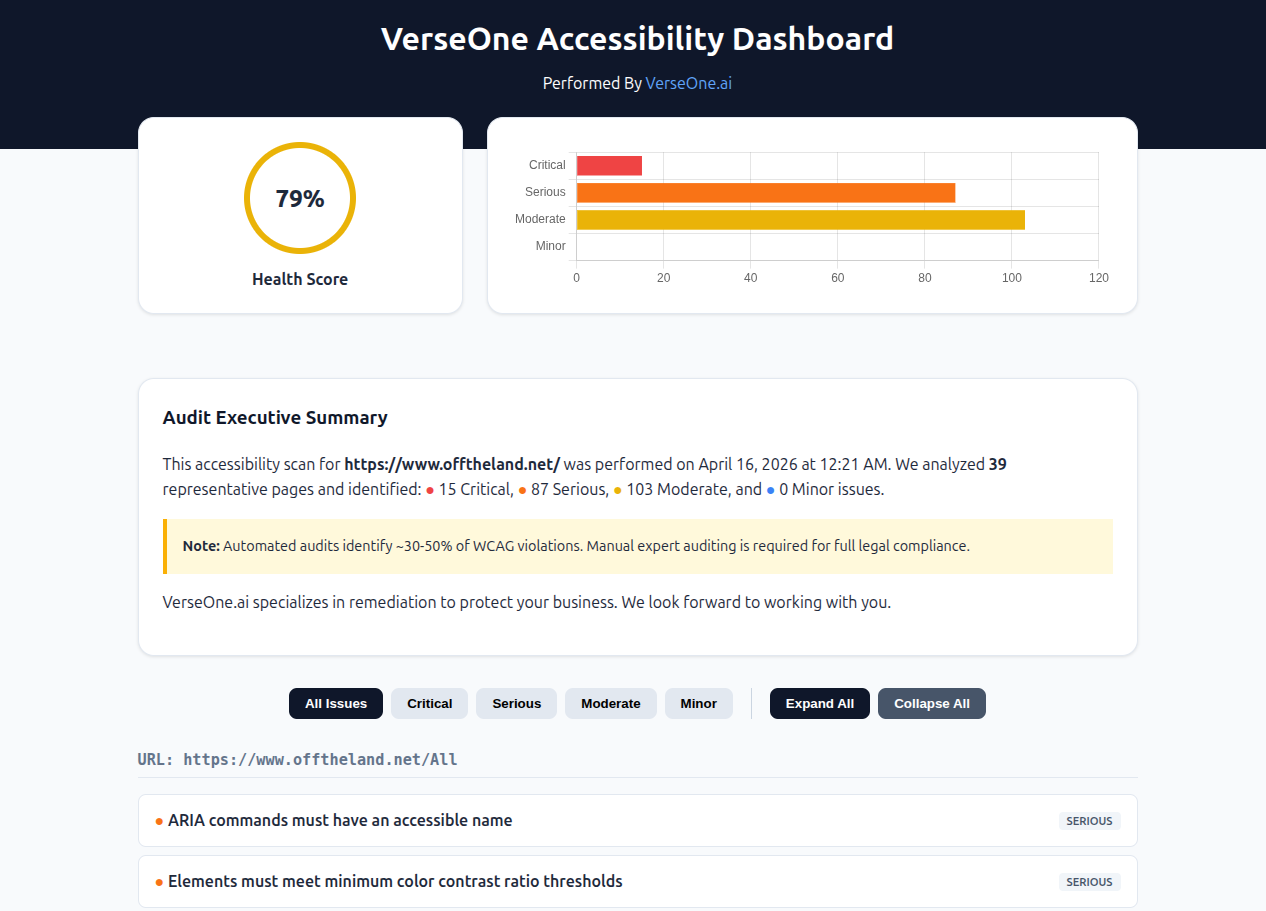
An overall accessibility score
A breakdown of issues by severity
Plain-English explanations
Priority areas to focus on first
Practical next steps
No jargon. No guessing what it means.
What this looks like
Here’s a simplified example of what you might see
A quick note about automated checks
Automated scans typically identify about 30–50% of accessibility issues.
- They’re a strong starting point
- But not a complete audit
The goal is to give you a clear picture of where things stand, and what to do next.
What happens after you submit your website
Once you request a check:
1. Your site is added to the review queue
Each report is generated individually and reviewed before being sent.
2. Your accessibility report is created
This includes a structured breakdown of issues and priorities.
3. You receive your report by email
Delivered as a clear, easy-to-read file (PDF or HTML).
4. You decide what to do next
No pressure. Just a clear understanding of where things stand.
If you want help improving your site
Once you see your report, you have a few options:
Handle the fixes yourself
Use the report to make the changes on your own schedule.
Share it with your developer
Send the clear report to your existing web team.
Or have me take care of it
I’ll handle the fixes so you don’t have to.
If you choose to work with me:
- • I focus on fixing what actually matters
- • I keep changes clean and minimal
- • I avoid unnecessary complexity or redesign
The goal is simple:
make your site more usable and aligned — without turning it into a project.
A practical way to approach accessibility
Accessibility work doesn’t have to be overwhelming.
Most improvements fall into areas like:
- • Page structure and layout
- • Text clarity and contrast
- • Labels, buttons, and navigation
- • Small adjustments that improve usability
This is not about chasing perfection. It’s about making meaningful improvements that help real users, reduce potential risk, and improve overall experience.
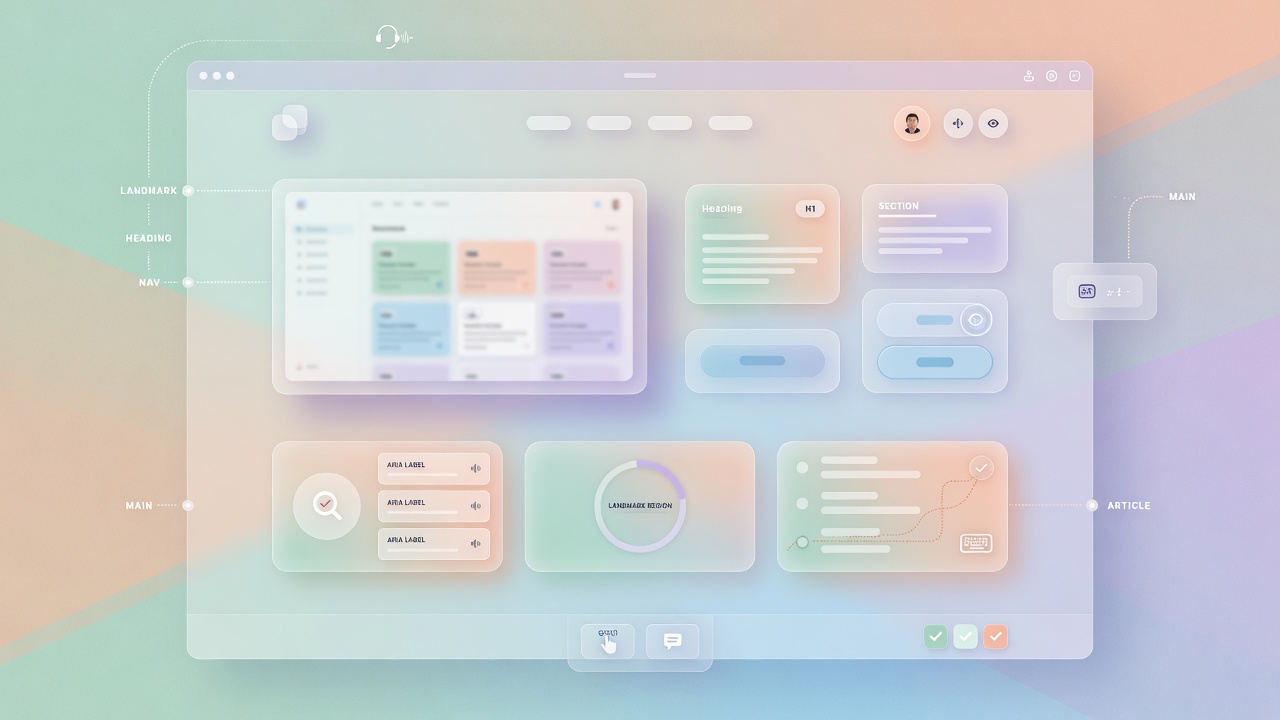
Page structure and layout
Clear headings, logical flow, and proper semantic markup so screen readers and users can navigate easily.
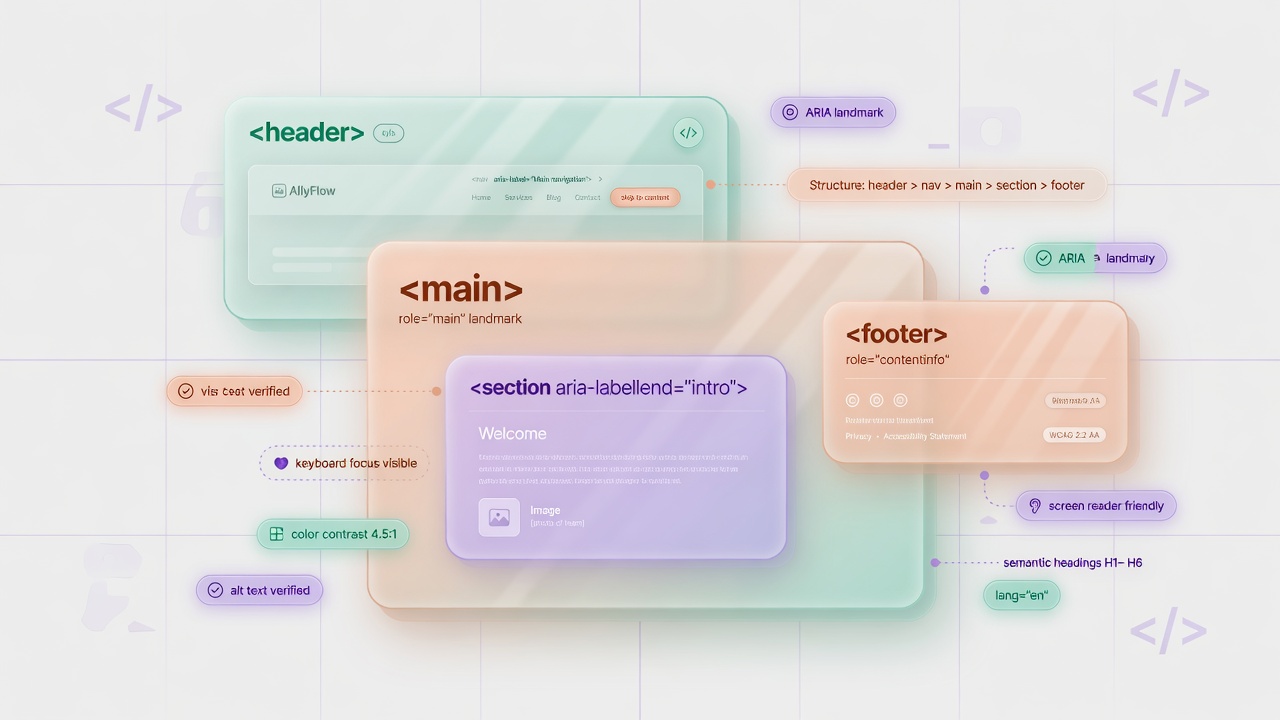
Text clarity and contrast
Sufficient color contrast and readable fonts so every visitor can comfortably consume your content.
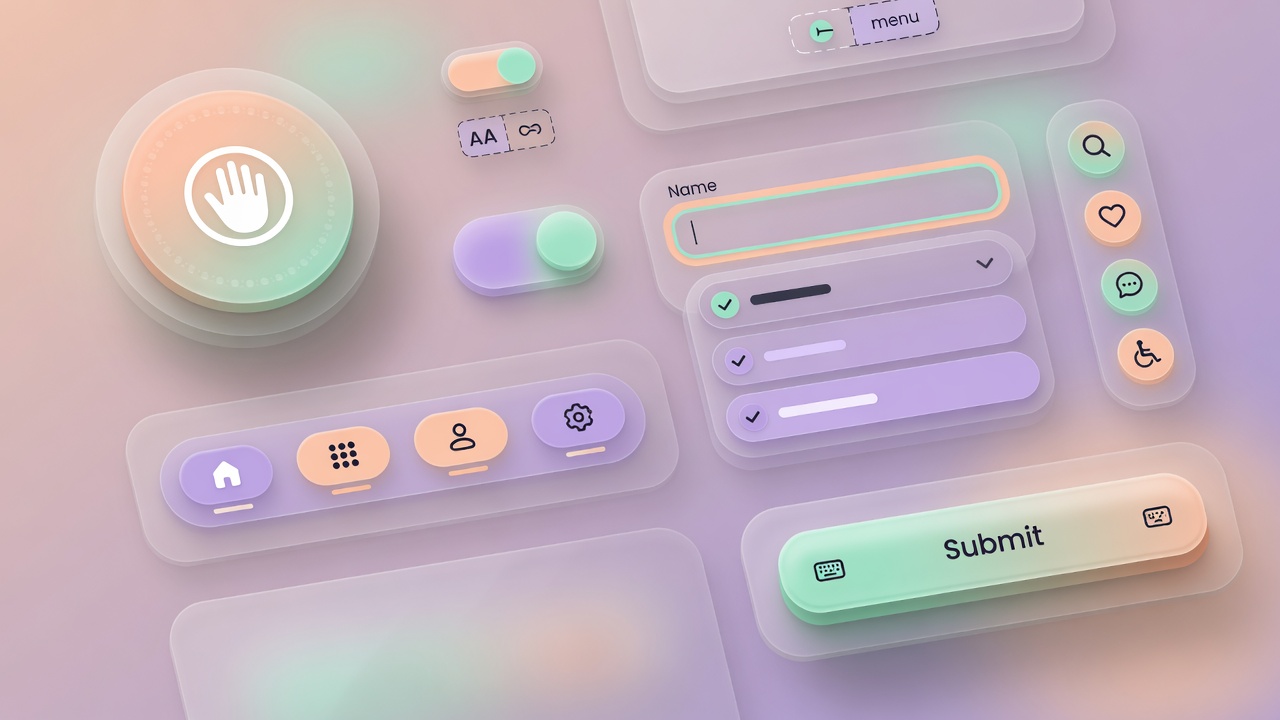
Labels, buttons, and navigation
Clear, descriptive labels and intuitive navigation so everyone can use your site without frustration.
Small adjustments that improve usability
Keyboard navigation, focus indicators, alt text, and other thoughtful details that make a big difference.
Start with a thorough check
You don’t need to figure everything out upfront.
Just see where your website stands.
No pressure.
No commitment.
Just clarity.