
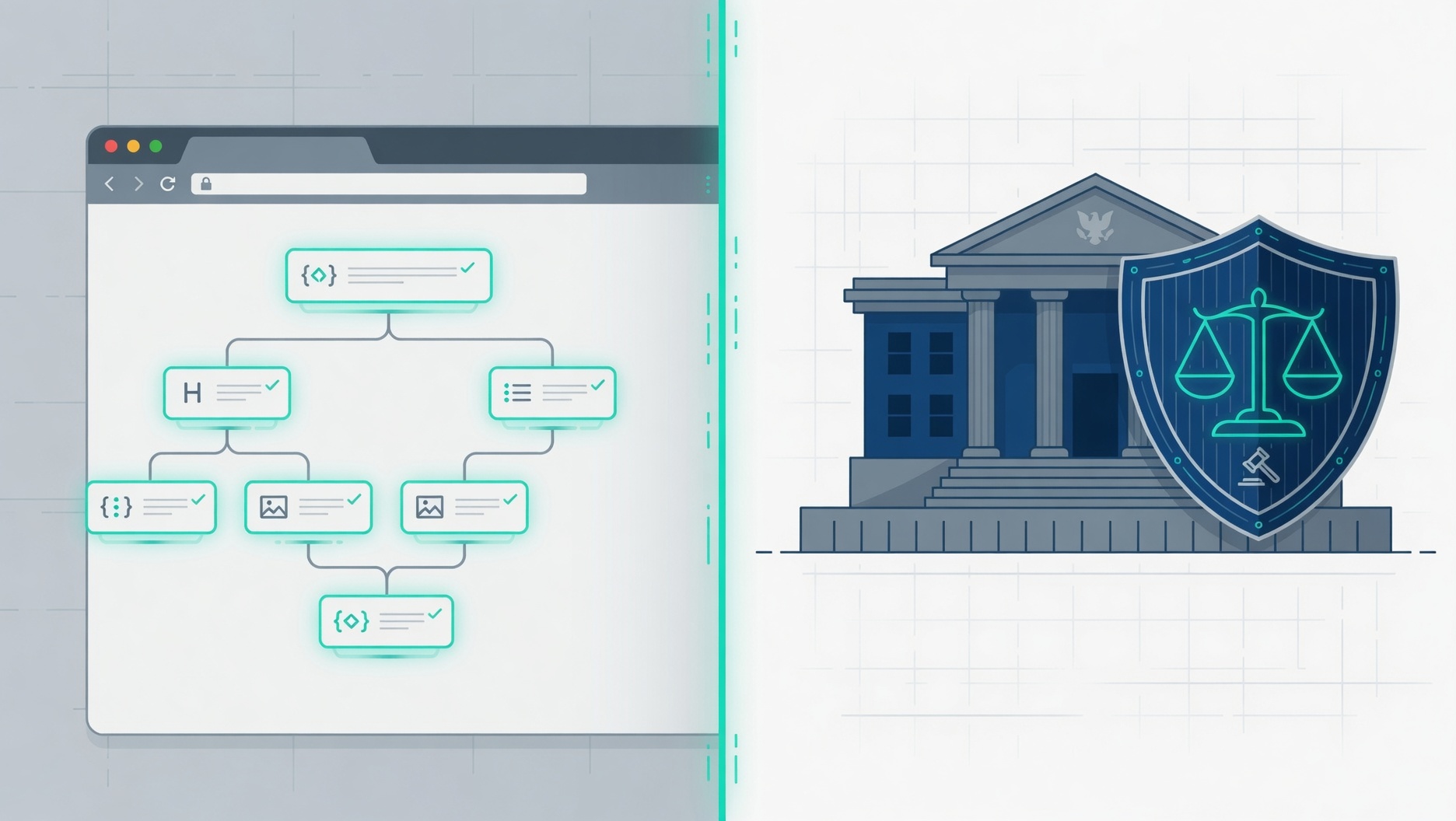
💡 Decoding Digital Accessibility: Section 508 vs ADA Title Compliance
If you have ever looked into digital compliance and felt overwhelmed by a mountain of technical acronyms like WCAG, ADA, and Section 508, you are definitely not alone.
Most business owners and digital builders are not struggling because accessibility is inherently too difficult to grasp. They are struggling because the guidelines are written like legal textbooks and the technical definitions are completely fragmented across different agencies.
In practice, digital accessibility is simply about building connected systems that allow every single user to interact with your website cleanly. What actually matters is understanding how the global guidelines translate into real-world US legal requirements so you can protect your brand and build a better user experience.
At VerseOne.ai, we focus on breaking down these complex systems into practical, actionable steps for your business. Let us demystify exactly how the technical rules connect to the actual laws. Generate a free accessibility report of your website.
🌐 The Tech Rulebook: Navigating the WCAG 2.1 vs. WCAG 2.2 Standards
When it comes to the technical rulebook, the Department of Justice explicitly mandates the WCAG 2.1 Level AA standard as the baseline legal benchmark for digital compliance.
These individual criteria are the literal, testable design rules created by the World Wide Web Consortium (W3C) Web Accessibility Initiative (WAI). They do not just apply to standard text pages; they govern complex interactive web components like pop-up modals, signup forms, and navigation menus.
The entire framework scales across three distinct tiers of compliance:
- Level A: The absolute minimum foundation. If a web element fails here, assistive tools are completely blocked.
- Level AA: The global legal standard. This tier eliminates the most common, significant real-world barriers for users.
- Level AAA: The highest, most specialized standard. It is rarely mandated as a blanket requirement across an entire commercial site.
Decoding the WCAG 2.2 Math: What Actually Changed?
If you try to count the rules in the latest Web Content Accessibility Guidelines (WCAG), the numbers can get confusing quickly.
The Compliance Breakdown
To achieve Level AA compliance, you must always pass all Level A and Level AA rules combined.
The table below breaks down exactly how the criteria are distributed across versions:
| WCAG Version | Level A (Minimum) | Level AA (Standard) | Level AAA (Highest) | Total (All Levels) |
|---|---|---|---|---|
| WCAG 2.1 | 25 criteria | 25 criteria | 28 criteria | 78 total criteria |
| WCAG 2.2 | 31 criteria | 24 criteria | 31 criteria | 86 total criteria |
The Real Impact on Your Website
If your website is already compliant with WCAG 2.1 Level AA, you do not have to worry about all 86 rules. You only need to focus on what shifted between the versions.
Here is the exact math for standard website compliance:
- The Additions: WCAG 2.2 introduces 6 new rules at the A and AA levels combined.
- The Subtraction: WCAG 2.2 completely removes 1 old rule (Criterion 4.1.1: Parsing), because modern web browsers now handle code errors automatically.
- The Final Count: Your target checklist moves from 50 rules under WCAG 2.1 up to 55 rules under WCAG 2.2.
These new requirements focus heavily on improving mobile layouts, making login forms easier for users with cognitive disabilities, and ensuring buttons are easy to click.
[WCAG Legal Framework Alignment]
 ├── WCAG 2.1 Level AA (Current Minimum Legal Target -> 50 Criteria)
 └── WCAG 2.2 Level AA (The Future-Proof Standard -> 55 Criteria)
In real workflows, modern websites manage these rules by grouping them under four core principles known as POUR: Perceivable, Operable, Understandable, and Robust. This ensures your content survives shifting browser updates and remains fully accessible to human senses and machine code alike.
⚖️ US Enforcement Realities: Section 508 vs. ADA Title Rules
Section 508 and the Americans with Disabilities Act (ADA) are two entirely separate statutes that use the exact same technical benchmark to enforce digital compliance.
The critical distinction comes down to who the law regulates:
- Section 508: Applies strictly to Federal agencies, federally funded programs, and direct federal tech contractors.
- ADA Title II: Applies to state and local public entities, including public universities, local towns, and municipal transit authorities.
- ADA Title III: Applies to places of public accommodation, which courts overwhelmingly interpret as commercial websites, e-commerce stores, and customer portals.
The federal government officially adopted WCAG as the formal measurement for these laws, with the Department of Justice explicitly mandating WCAG Level AA compliance.
               ┌── Section 508 ──► Federal Government & Contractors
               │
WCAG Level AA ─┼── ADA Title II ─► State & Local Public Entities
               │
               └── ADA Title III ──► Private Businesses & E-commerce
Many businesses find that ignoring these frameworks results in severe financial and administrative liability. For private companies under ADA Title III, enforcement is driven by civil litigation, where businesses are regularly forced to pay plaintiff attorney fees, administrative fines exceeding $100,000, and mandatory remediation costs.
For federal vendors under Section 508, non-compliance means the immediate loss of lucrative government contracts and disqualification from future bidding rounds.
🛠️ Connected Digital Systems: Designing Beyond the Rulebook
To keep your digital infrastructure safe for the long haul, it is incredibly helpful to study parallel topics that connect directly to core compliance standards.
Many teams find success by mapping out a future learning roadmap centered around these three pillars:
- WAI-ARIA Specifications: The technical framework of HTML attributes that allows you to manually inject roles and states straight into the accessibility tree.
- Native Screen Reader Testing: Learning the basic keyboard navigation commands for industry-standard screen readers like NVDA for Windows or VoiceOver for Apple devices.
- Automated vs. Manual Auditing: Balancing automated scanners with manual keyboard-only testing to catch structural logic flaws that automated tools naturally miss.
This is exactly why VerseOne.ai focuses on building interconnected digital environments instead of just stacking disconnected software solutions. Whether you need comprehensive web accessibility remediation, smart AI automation workflows, or optimized digital storefront setups, we ensure your systems are robust, legal, and built to scale.
📋 What Is Your Digital Accessibility Strategy?
Most small business owners and operators assume their digital storefront is perfectly accessible to everyone who visits it. In practice, however, small issues hidden behind the scenes regularly affect your usability, search visibility, and legal compliance (especially if your website was built quickly, updated over time, or assembled from different, fragmented plugins).
None of this is unusual, and it does not mean your team has neglected your digital space. It simply means no one has taken a close look at the system’s underlying accessibility architecture yet.
Instead of guessing where your business stands or waiting for a high-stakes legal notice, you can proactively secure your platform. We run a structured, plain-English accessibility review that scans your digital storefront for the most common structural vulnerabilities, including:
- Reading Barriers: Spotting low-contrast layout text that is difficult for your customers to read.
- Broken Data Structures: Identifying missing heading outlines that assistive tools rely on to map your pages.
- Invisible Click Targets: Flagging buttons, form fields, or links that lack explicit labels.
- Keyboard Traps: Isolating entire pages or menus that fail to function properly without a standard mouse.
Digital Risk Management
 ├── ⚠️ Guessing Your Status ──► ⚠️ High Legal Exposure & Abandoned Carts
 └── ✅ Getting Your Report  ──► ✅ Priority Action Plan & Brand Protection
You do not need to possess any advanced technical knowledge to secure your business website. Take less than a minute to submit your URL for our Free VerseOne Website Accessibility Audit and Scorecard Report.
We will add your website to our individual review queue and email you a clean, PDF breakdown showing exactly what is working, what needs attention, and which high-impact areas you should focus on fixing first to minimize your risk.
Leave a Reply